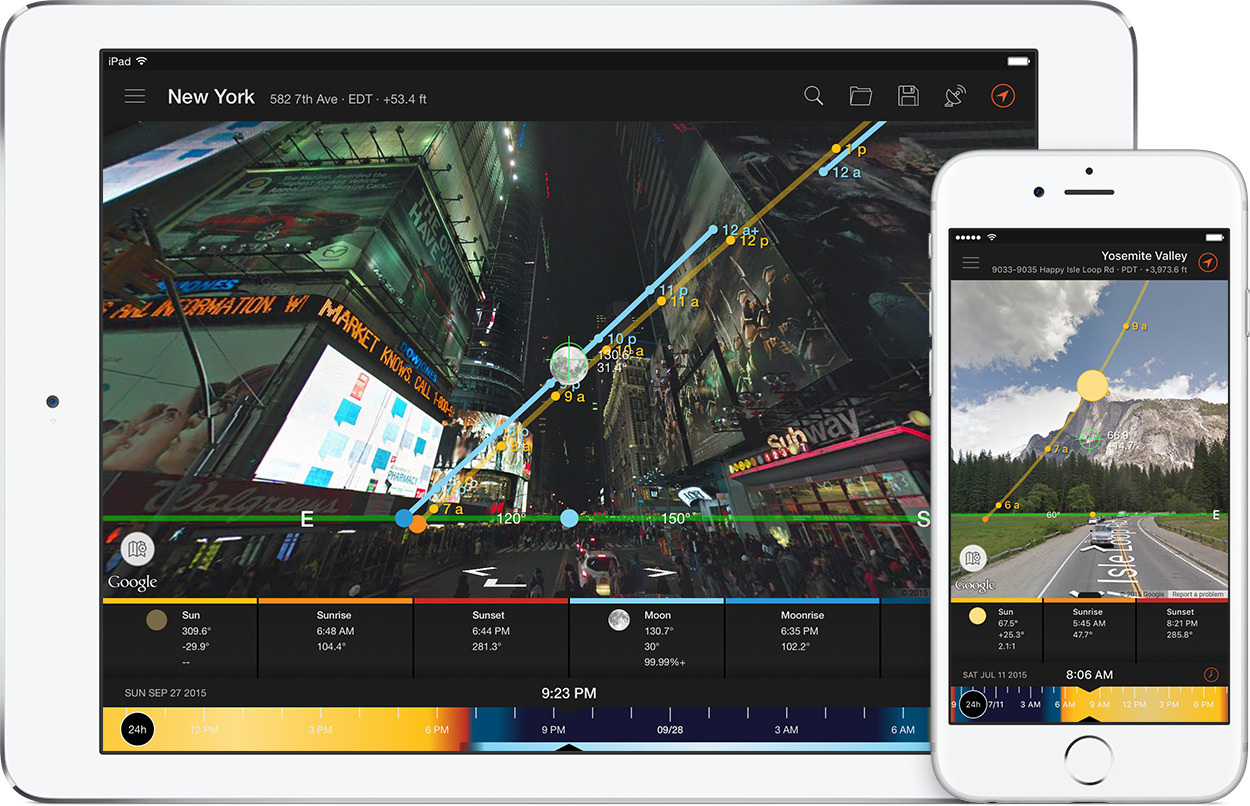
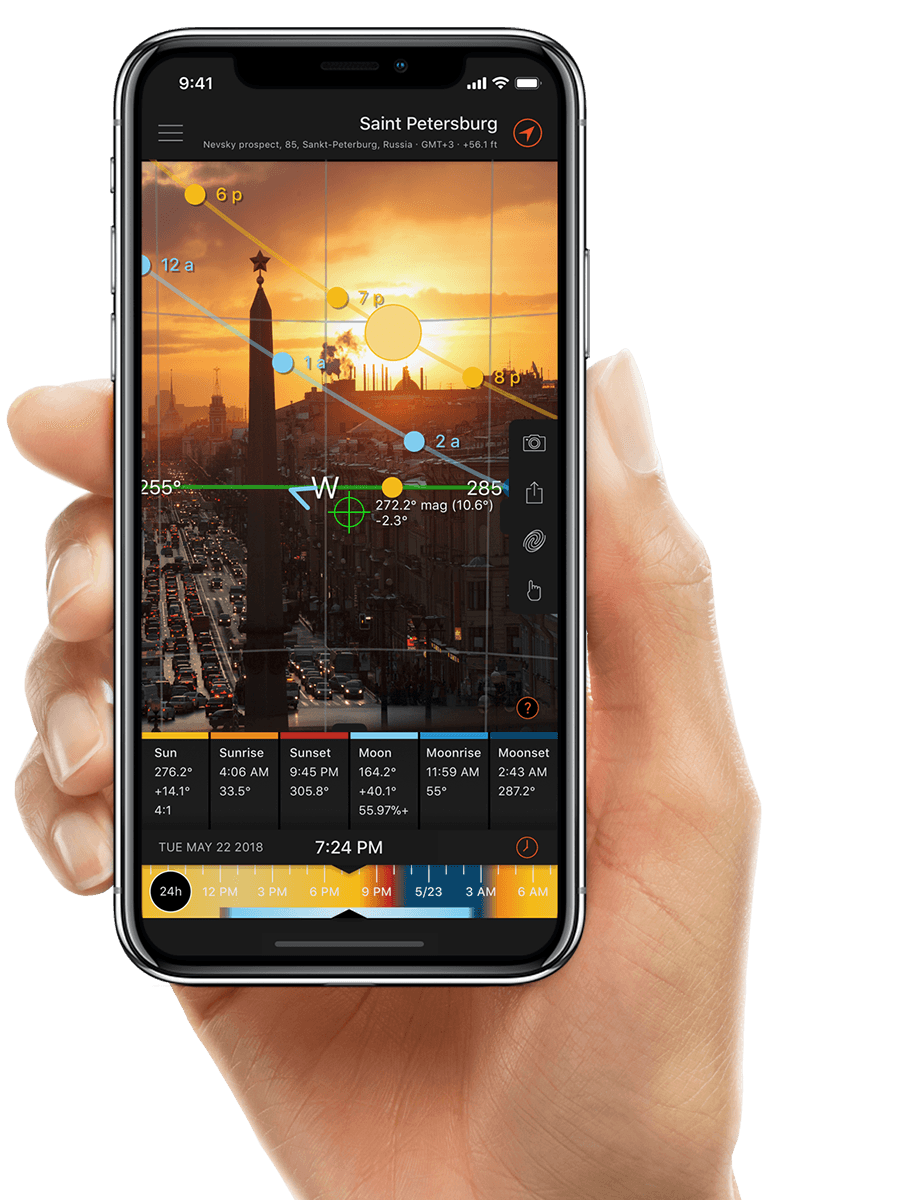
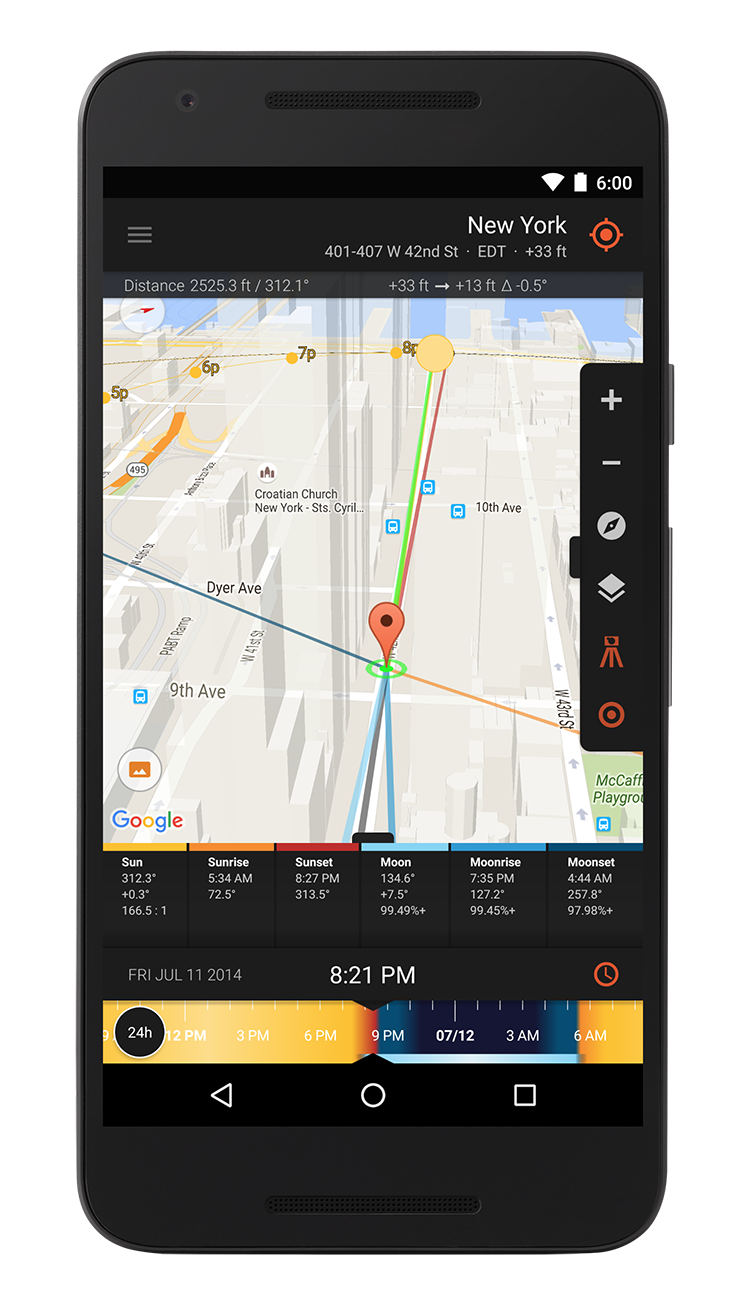
Sun Surveyor is now available for iPhone!

Today, Sun Surveyor was made available for sale in the iTunes App Store. Here’s the link below:

Sun Surveyor - Adam Ratana

As said previously, v1.0 targets the iPhone 4 and 4S, and is in English. Future updates will contain the additional languages of the Android version, and also support iPads.

Posted in iOS Development, Releases | Leave a comment

Sun Surveyor for iPhone submitted to App Store for Review

After a few weeks of beta testing, Sun Surveyor v1.0 for iPhone has been submitted to the iTunes App Store for review tonight. Will post an update when it’s gone through the review process and is available for sale!

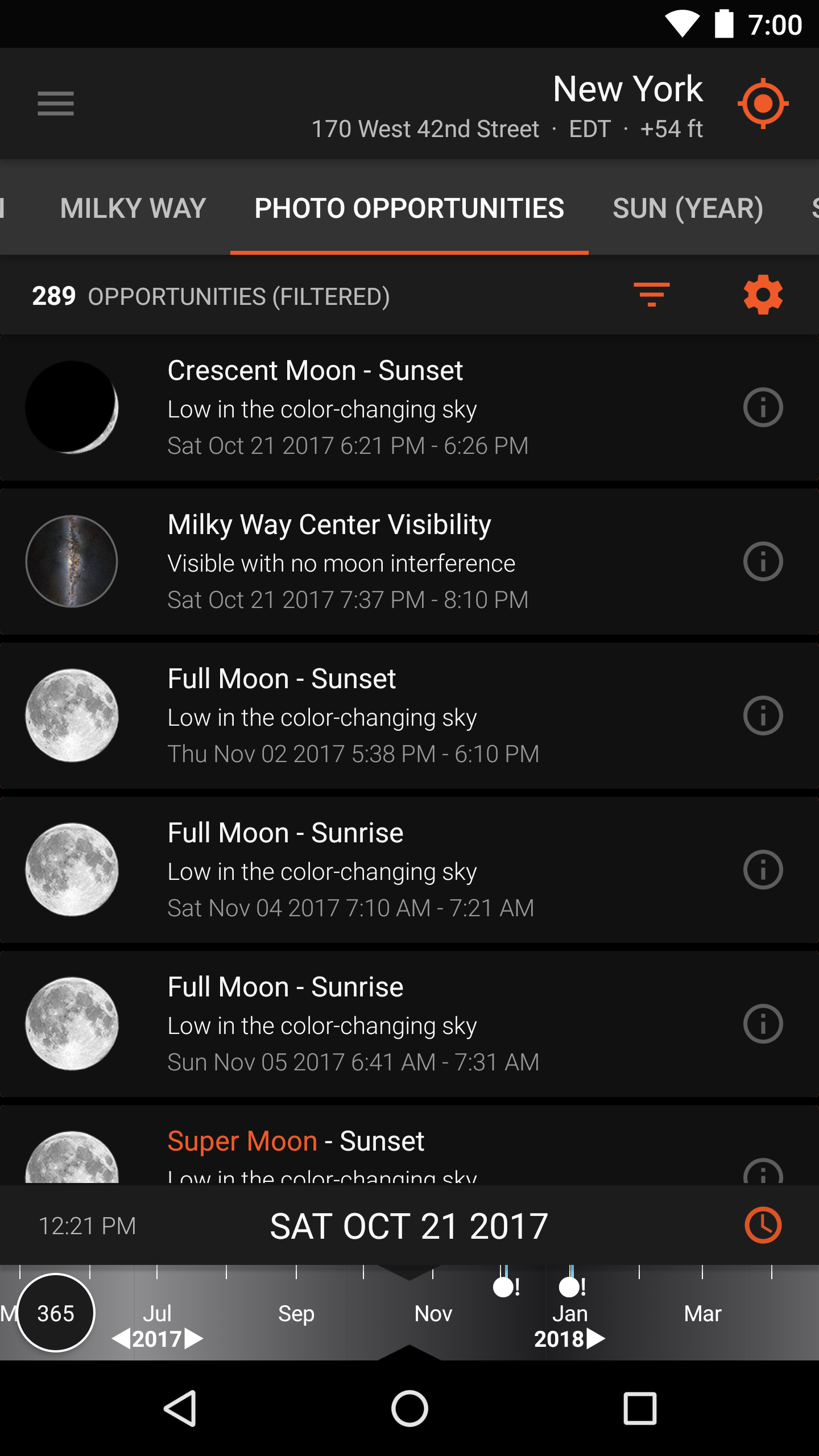
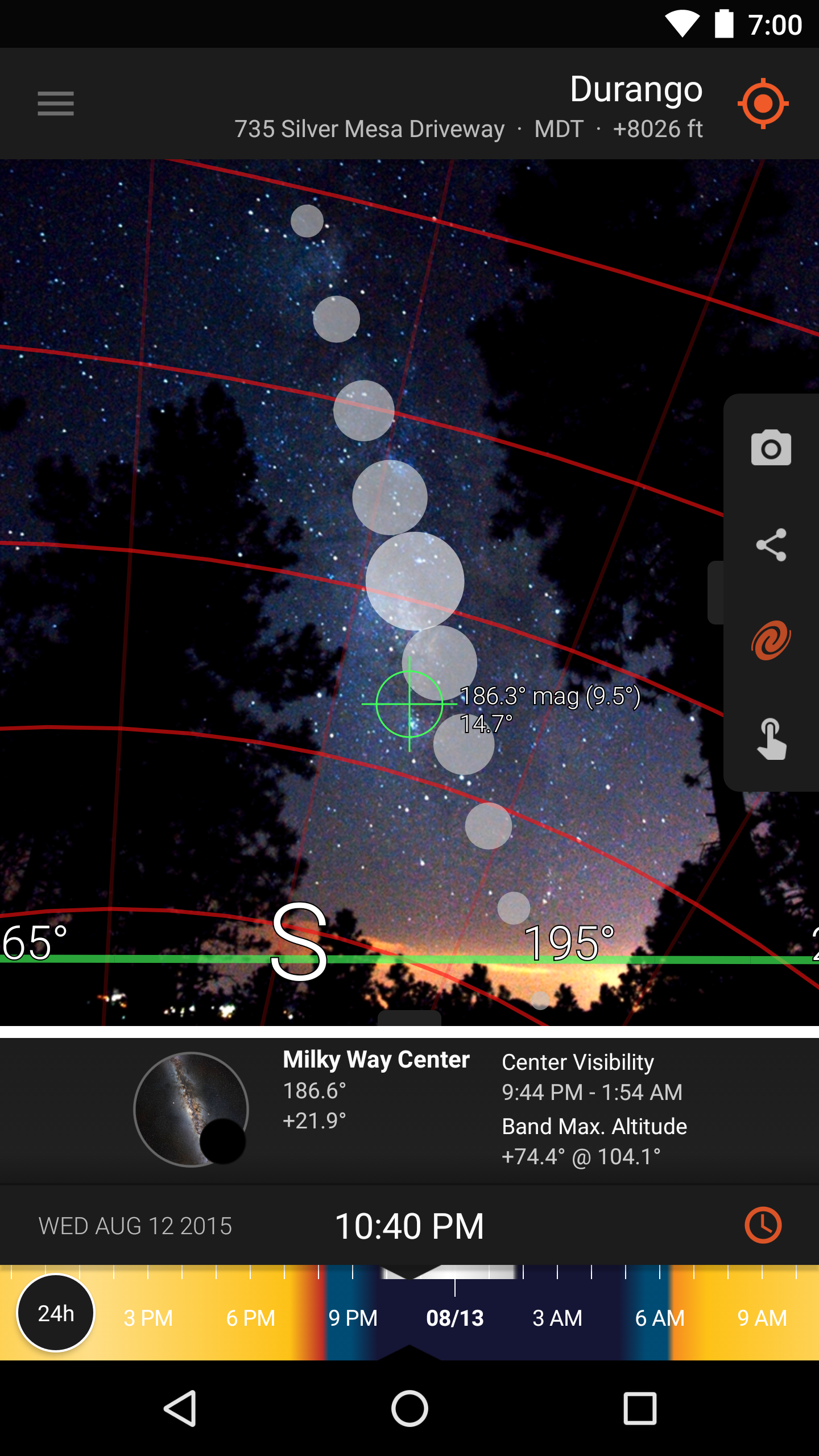
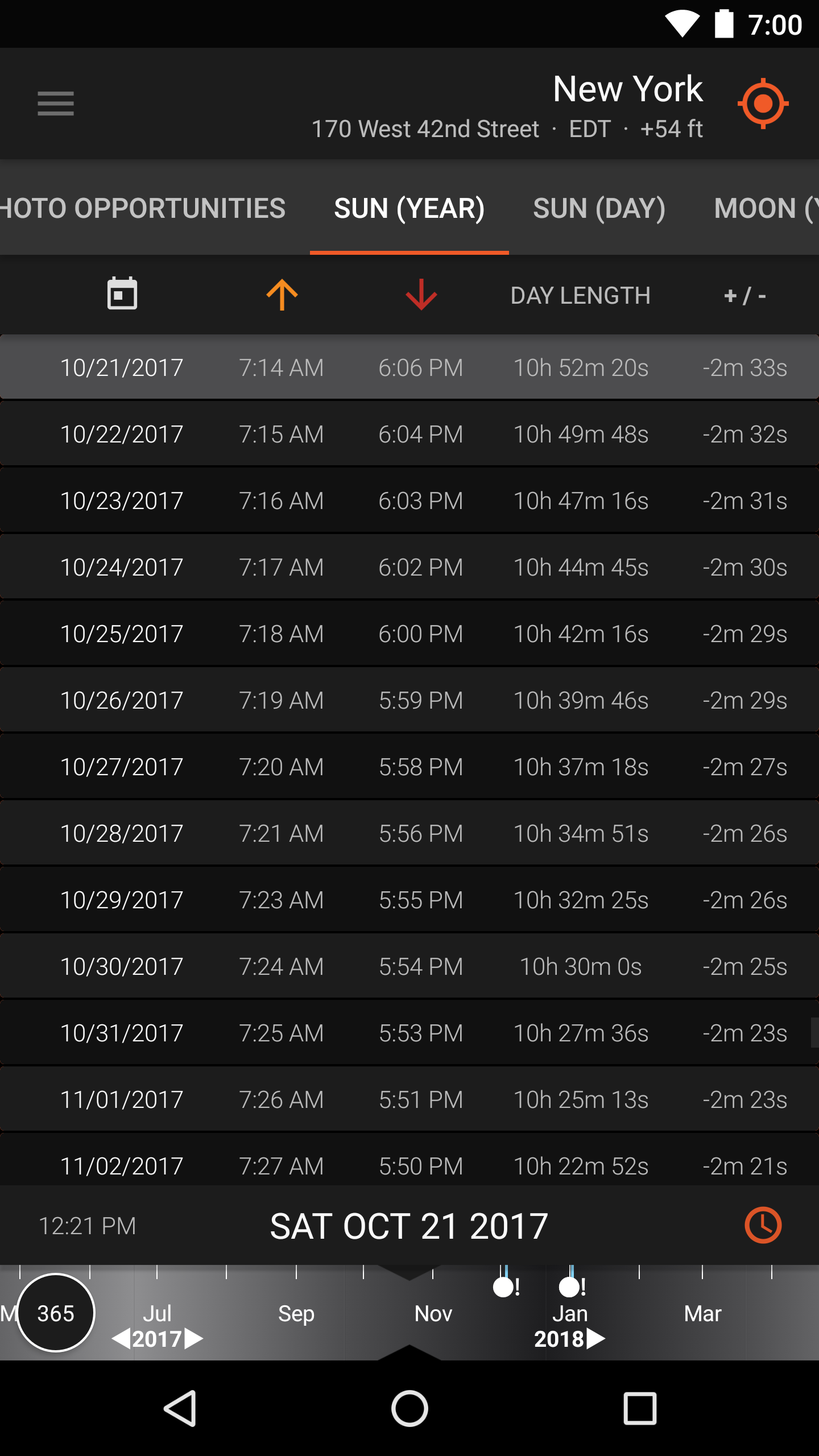
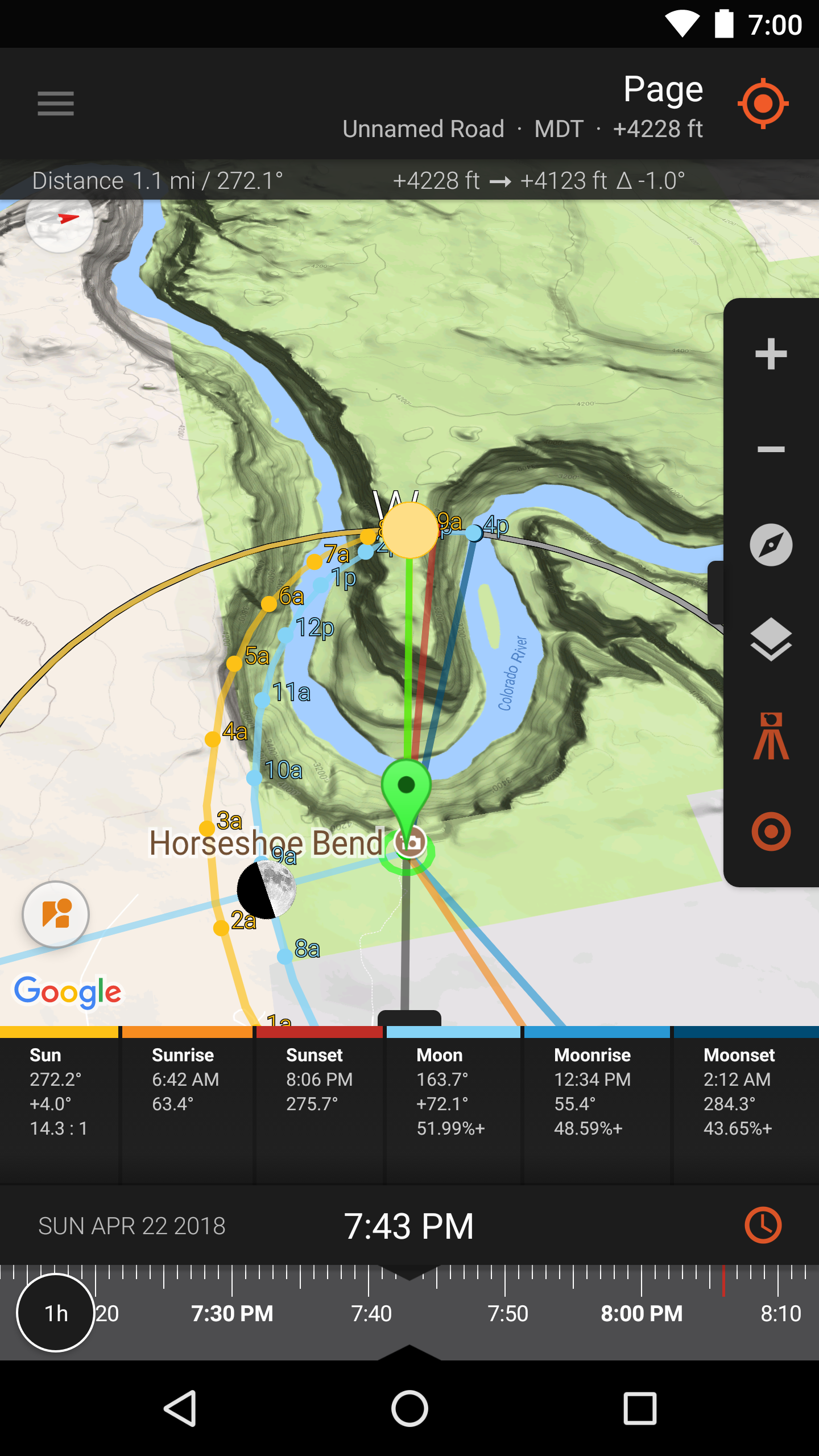
In the meantime, check out the Current Screenshots page to get a preview of the iPhone version look and feel.

Posted in Development Journal, iOS Development | Leave a comment

Updates and News on iOS Development

Just wanted to post a quick update, things have been quite hectic this year so far, so unfortunately I didn’t get around to writing a “part 2″ to the previous post.

The most recent version of Sun Surveyor (1.4.9) features native Italian, Spanish, and German translations. Thanks to Samuele Tovagli, Marco Götze, and Francisco Javier Fonseca Padilla and Juan Pablo Fonseca Padilla!

I am pleased to say that version 1.0 for iOS is almost complete and ready for submission to the App Store, after some final touches and beta testing. The development target is as follows:

  • iOS 5.0+
  • iPhone 4, iPhone 4s (iPad version to follow)
  • English (Italian, Spanish, German translations to follow)

As soon as it has gone through the review process and is in the App Store I will post an announcement.

Most of the functionality from the Android version will be present, the major difference being that some of the advanced Map functionality from Android will not be present in 1.0. This is due to the very different SDK APIs, and slightly different implementations of the Maps on iOS versus Android. This functionality will follow in a future update.

Working on a port to iOS has been very interesting; I’ve learned a lot from the experience so far and hope to write about it at some point in the future.

Posted in Development Journal, iOS Development | Leave a comment

Thoughts on One Year of Mobile Application Development (Part 1 of 2)

This time last year, I started developing Sun Surveyor initially as an academic exercise of building and deploying a native mobile application from start to finish on 2 different platforms. The idea of it being something people other than myself could use or purchase was a secondary goal. To that end, the Android iteration has had modest success, beyond my own expectations for it. Ideally, the iOS iteration will be finished within the next few months. I’m sometimes asked what was involved in building a mobile app, and in particular the unique challenges of this one. So here’s some thoughts and reflections on what I’ve experienced over the past year.

Building an Application

Various items involved over the past year

Technical Topics
Here’s a list of technical topics I had to brush up on, or get a basic understanding of, that were essential to the development of Sun Surveyor:

  • Basic Trigonometry (SOHCAHTOA!) and Circular Geometry
  • Astronomical Algorithms – Sun and Moon calculations and information
  • 2D Graphics Programming basics – for the 3D compass, z-order stacking
  • 3D Rotations – for representing the user’s position in the world versus other object positions
  • Quaternions vs. Euler Angles, gimbal lock – for spherical augmented reality
  • Game Development basics – efficiently calculating and rendering graphics
  • Time Zones and their complexity – they are geopolitical, and dynamic!
  • Accelerometer and Magnetometer basics – understanding the sensor fusion that allows deriving the device orientation in the world
  • Compasses and Magnetic Declination – the difference between Magnetic North, True North, and how it varies throughout the world
  • Optimizing for Mobile – very limited heap space, varying device builds and capabilities, strong need for efficient algorithms and data structures, asynchronicity, respecting the main/ui thread
  • GUI basics, GUI design patterns and UI/UX interaction patterns
  • Maps, Geocoding, Coordinate systems

If I knew that all of these things were to be involved on day one (on top of learning the Android SDK), it would have seemed an intimidating start. Thankfully, my ignorance allowed me to dive in and constantly add to the growing list of topics of which I needed to increase my knowledge, and slowly the app came together. Something I realized is that one doesn’t have to become an expert in every topic to make use of its basic concepts! And to that point, I think that the concept of abstraction and working with abstraction, which is so important to us in the software engineering world, really comes into play here. Many components and problems for this app could be modeled in the abstract sense with the implementations evolving until they were working and efficient. This is the one part about engineering that I think many non-”techy” folks may find intimidating, overwhelming or “magical,” when it’s all just possible due to careful abstract design, thought and structure.

In the months since the initial release, many of the components and modules of the application have been rewritten, refactored and improved as time allowed; resources such as Refactoring, Effective Java (2nd Edition), and the classic GOF Design Patterns were helpful influences.

Another great resource was the The Business of iPhone and iPad App Development book, which really helped put into perspective the mobile app marketplace and how applications I develop would need to find their way within it, even if it was focused mainly on the iPhone/iPad and iTunes. I saw this at a Cocoaheads meeting and it was incredibly helpful to buy and read right before launching the app.

Business Topics
Some of the non-technical topics that I quickly became aware of:

  • User Base – other than myself, who potentially uses this application? The answer was broader than I imagined!
  • Customer Service – understanding the expectations of customers, handling complaints, issuing refunds, and resolving and prioritizing bugs and feature requests
  • Competition – what other apps are out there? How does this one stack up? What is unique about it?
  • Pricing – understanding the value people expect out of something priced at a certain price point, versus how much value they expect from a free version or a competitor’s
  • Mobile App Business Models (“Freemium”, ad-based, etc)
  • Analytics – what the most used features are, how many are upgrading from the “Lite” version, how many people make use of a new feature when it’s added, etc

The business side was an interesting and unexpected one, and I’ll cover that in Part 2.

Milestones
Some of the modest successes and highlights over the past year:

  • All of the interaction from the wonderful folks who use the app – solar panel installers, real estate agents, gardeners, architects, grips and film crews, cinematographers and photographers!
  • Scoring 5/5 in a Digital Photography Review(dpreview.com) Android and iOS app tool roundup
  • Seeing the app mentioned by Romain Guy (Android framework wizard) in several posts (here and here)

Pittsburgh
Also in the past year, I started making an effort to discover and meet more people within the Pittsburgh developer community. I started by attending a Geek Night, then the iPhone/iPad and Mobile App Developers Pittsburgh Meetup (great, though seemingly now dormant), and eventually discovered the wonderful Pittsburgh Cocoaheads Chapter. Run by co-founder Mark Dalrymple (author and developer extraordinaire) and augmented with additional presentations from Sean McCune, Nick Waynik and others, Cocoaheads has been a great monthly experience and opportunity to meet and interact with other passionate Pittsburgh developers and enthusiasts.

I also attended a really fun and free event called the Global Day of Code Retreat, which happened worldwide, with the Pittsburgh event having over 50 attendees. This involved pairing up with different partners in 6 sessions to practice test-driven development on Conway’s game of life, with the code being deleted at the end of each session. Definitely an interesting and intense way to practice and hone some coding, design and testing skills.

To Be Continued…
In Part 2, I’ll share some thoughts on sales, the “freemium” business model, the Live Wallpapers I’ve developed and Android marketplace and device fragmentation.

Posted in Development Journal | Leave a comment

User Photos: Niel Hayes

Niel Hayes has been a Sun Surveyor user for several months, and has provided a lot of helpful feedback. He shared this shot of the moon that Sun Surveyor helped him plan:

Moon by Niel Hayes

Moon shot by Niel Hayes

"I’ve found that capturing the moon effectively in photographs is one of the most challenging types of nature photography. It differs from sunrise/sunset shots because if you missed the position of the sun for some reason today, you can try again tomorrow at pretty much the same time and it’ll be at the same position. Not so with lunar photography. You miss the shot, it’s gone. Not only does the moon vary in its rise and set times by as much as an hour from one day to the next, but it moves north or south on the horizon by several degrees day after day, and is usually only in the same part of the sky at a certain percentage illumination a hand full of times a year… Then you throw into the equation weather and work and normal life stuff, you may only have one chance every couple of years to get the moon shot that you envision!

Enter Sun Surveyor on a mobile platform. When the tool is used effectively, it can augment your chance of being at the right place at the right time to get that unique image. This image, for example, was planned months in advance using Sun Surveyor as one of the tools to get the position and exposure value of the moon to be just right. The image is a little deceiving in that it looks like any full moon from any month would fall right behind the statue and frame it well… the thing is about this particular location is that there are TONS of tall trees that surround this LDS temple, and getting a clear shot at this particular focal length without any branches or leaves creeping into the image is quite the challenge. A challenge that made Sun Surveyor the perfect tool to use to help execute the shot!"

You can see more of Niel’s photos (and especially more beautiful moon shots), in this gallery.

Posted in User Photos | Leave a comment

Latest Updates and Thoughts

Recently I released version 1.4.1 of Sun Surveyor. This followed on a major effort in release 1.4 to include Time Zone detection and many usability enhancements. 1.4.1 adds left/right buttons next to the time slider. These allow for fine adjustments relative to the selected slider mode, and more than ever helps better realize the unique vision for a 3D Compass visualization of Sun and Moon data, with the interactivity that I wanted when that portion of the app was conceived.

Flurry analytics was also implemented recently, and it’s been a great tool to show which features are the most used (Compass, Augmented Reality Camera, Map, Details in that order, and of course Help being the least used, accessed 6 times per 100 sessions!). Today, I added AdMob ads to the Lite version, and it will be interesting to see if that brings in any revenue from the many Lite users. The ads are located on the Main Menu dashboard and do not appear in any of the functional modules.

It’s been approximately 6 months since Sun Surveyor was first released, and it’s been an incredibly fulfilling time. It’s brought me great pleasure to interact with Sun Surveyor users, to receive helpful and critical feedback and implement suggestions to improve the product. The most important lesson I’ve learned in this time is to stick to a vision for what the product is, and what the product is not. To stick to what it does best, and leave certain functionality and features instead to those other applications which do them best.

The Android platform has been great to develop on, and it was possible to create this application in a much shorter period of time than I initially thought, using nights and weekends. It’s been a lot of hard work, and involved re-learning a lot of math and trigonometry, and learning graphics programming concepts, optimizations for mobile and mobile JVMs specifically, mobile UI concepts and interaction patterns. There’s still a lot of hard work ahead, especially in creating the iOS version natively, but I feel Sun Surveyor is now in a good place, as a software product.

So here’s the roadmap for Sun Surveyor from this point on:
- Graphical / UI Updates to make it a more finished product in appearance
- iOS version development work
- OpenGL implementation for the Augmented Reality Camera
- OpenGL and more graphical implementation of the 3D Compass (possible)
- Altitude lookups and calculations w/r/t Sun/Moon altitude (possible)

On the side, another creative outlet has been in creating some fun Live Wallpapers for Android, with fellow ACiD Produtions alumnus and artist Cat Spencer which are a vehicle to learn some more graphics programming concepts, and some OpenGL ES which will be useful for potential re-writing portions of Sun Surveyor to use OpenGL. These can be seen here: All my Android Apps.

Sun Surveyor Screenshot, Pittsburgh, 10/30/2011

Sun Surveyor Screenshot, Pittsburgh, 10/30/2011, showing the left/right fine adjustment buttons

Posted in iOS Development, Releases | Leave a comment

User Photos: Scott Shirley

Here’s an image from Sun Surveyor user and architectural photographer Scott Shirley:

UWA Business School by Scott Shirley

UWA Business School by Scott Shirley

I work as an architectural photographer and having Sun Surveyor helps me be more efficient. Also, it makes me look at the environment more in case I can bring a shadow in as a feature.

For the above image, I used Sun Surveyor on my phone to predict what time the shadow of the tree would fall onto the side of the lit wall. I set my alarm, and continued shooting at other locations nearby. My alarm went off, so I returned and shot it, then off I went to another. I got what I visualised, with great efficiency.

On my tablet, I find the Map View helps me plan whether the shoot will have a morning or evening bias. Sun Surveyor helps that I can set it up for the Civil dawn/dusk times at a glance. The window between Civil dawn/dusk and sunrise/set are my most hectic, and are important to ‘get’.

You can check out more of Scott’s work on his website.

Posted in User Photos | Leave a comment

User Photos: Gary Sprowls

Sun Surveyor user (and fellow Pittsburgher!), photographer Gary Sprowls was kind enough to share with me how he’s been using Sun Surveyor, and some fantastic shots it was able to assist in planning:

"The majority of racing that I cover takes place in the sunny summer months in the United States. And knowing when the light will work for the shot I want is key. By using the map view in Sun Surveyor I can create a light map for the race track the night before I go there in the hotel room (even if I have never been to the track before). This works great on my 10.1" Samsung Galaxy Tab. And if there is something I like when I’m at the track (that I didn’t catch when planning at the hotel), I can just pull out my Motorola Droid at the track and go into AR Camera mode to check when I can expect the optimal lighting for the shot."

7-time MotoGP Champion Valentino Rossi by Gary Sprowls

Strong Sunlight Shot - 6-time MotoGP Champion Valentino Rossi at Laguna Seca by Gary Sprowls

Current AMA Superbike Champion Josh Hayes by Gary Sprowls

Morning Side-lighting Shot - Current AMA Superbike Champion Josh Hayes by Gary Sprowls

You can see more of Gary’s work on his website.

Posted in User Photos | 1 Comment

User Photos: Helen Dixon

I’d like to begin sharing some photos taken by users of Sun Surveyor. Helen Dixon, a photographer based in the UK, was kind enough to share this image. She used Sun Surveyor to plan the timing for this beautiful photo of the Sun coming through the arch in the rocks, lighting the water.

Land's End, Cornwall UK by Helen Dixon

You can see more of Helen’s wonderful photography on her website.

Posted in User Photos | Leave a comment

Latest Updates

Recently, versions 1.2.3 of Sun Surveyor and 1.0.7 of Sun Surveyor Lite were released.

Sun Surveyor’s Camera module was completely re-written to be have true spherical Augmented Reality. With a 3D Spherical compass overlaid upon the Camera input layer, the device can be moved around, pointed to the sky, etc, to see where the Sun and Moon will be traveling. This was a requested feature from some of the earliest users – and while it took a little while to deliver – this new Augmented Reality Camera module now offers much greater functionality. A fellow Android Developer (mrcapsApps by mrcaps, much thanks!) and I put our heads together and took some time to find the proper implementation of the accelerometer and compass sensor data to achieve a true 360 degree spherical rotation experience that the stock APIs do not provide (An open source implementation of a simple 3D spherical compass implementation using this, will most likely be released in the fall).

Camera Module - Augmented Reality View

Other Updates:

  • Screenshot functionality was added – send screenshots and details of the different modules via email, etc (Sun Surveyor only)
  • Drawing code for the 3D Compass and Map View was rewritten to run more efficiently, with some visual improvements. (Full and Lite)
  • Tablet screen optimizations were done, for a nicer look and feel on tablet devices. (Full and Lite)
  • For more updates and a full changelog, see the Release Notes page.
Posted in Releases | Leave a comment